
Instagram posts for your restaurant,
without you behind the phone.
Nina makes your Instagram posts. Tell her in WhatsApp what you want to share, answer at most three questions, and within 24 hours the post is ready for you to approve.
First an account and your payment method, then no login needed. Nothing posted without your yes. Monthly plans cancel anytime.
24h
until your post is ready to approveNina is the one helper whose work your guests scroll past every day.
Most restaurants know they should post more, and most weeks it does not happen, because the moment to post is exactly when you are busiest. Nina takes the whole job off your hands: the idea, the photo, the caption, the posting. You only say yes.
A Tuesday
One message in WhatsApp. A post the next day.
You do not open Instagram, you do not write a caption, you do not think about hashtags.
You send: can you post about our new autumn dessert? With a photo you just took, or without one.
Nina asks what she needs to know, and no more than three things.
She sums it up. You tap yes.
The post is ready in your chat: photo and caption. You tap approve, and it goes up on your Instagram.
Within 24 hours of your yes, the post is ready to look at. Usually sooner.
The questions
At most three questions. Then a summary.
Nina does not interview you. She asks only what she cannot know herself, and then shows you in a few lines what she is going to make.
That summary is the moment to steer. Say yes and the work starts. Tap adjust and tell her what is different. Nothing is made before you agreed on what it should be.
Typical questions: when should it go up, your own photo or one we make, and should there be an offer or a link.
You say what should be shared. Nina makes sure it is there.
The photo
Your photo, or one we make for you.
A photo from your phone is welcome and usually the best. No photo at hand? Then an image is made for you.
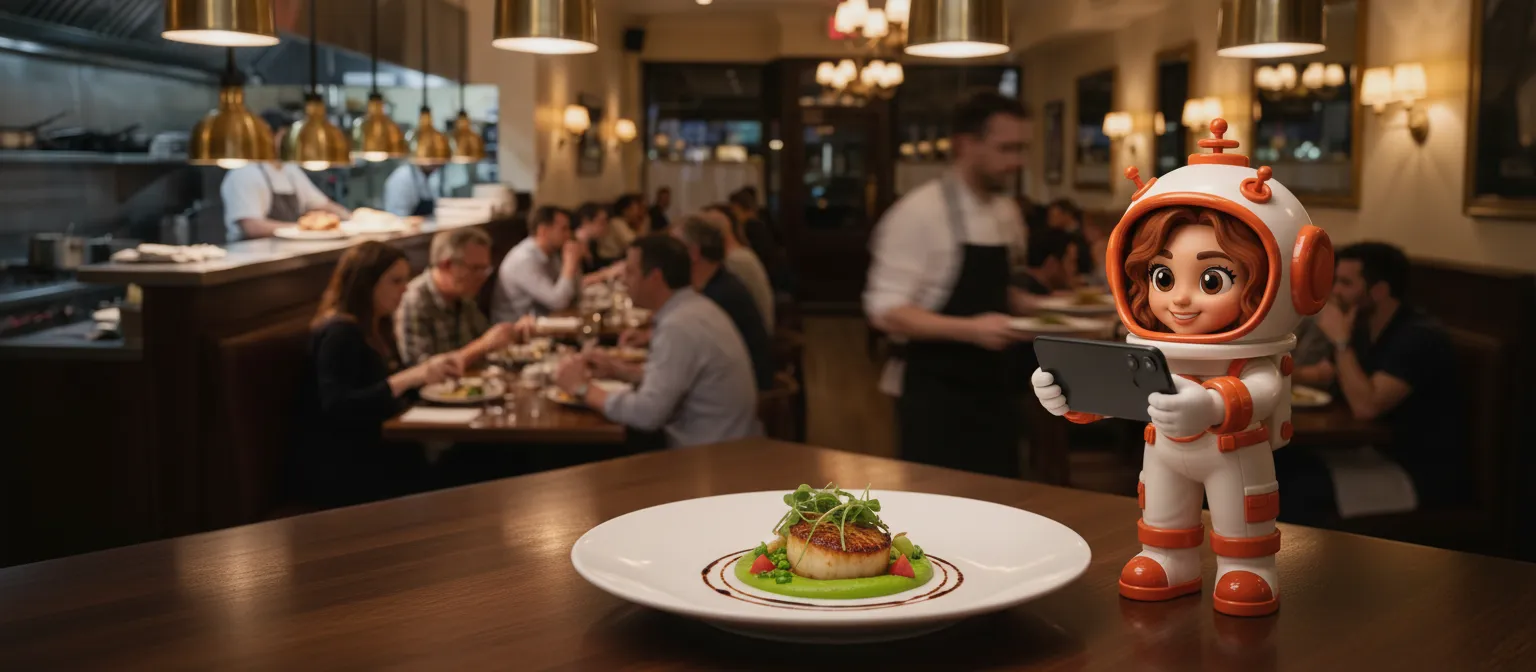
One rule is fixed. An image of a dish is only ever made from the real dish, so a guest never orders something that looks different on the plate. And when an image was made rather than photographed, you are told.
Nina uses it as the starting point: cropped to fit Instagram, with a caption in the tone of your place.
An image is made for you, based on your real dish and your real room, and marked as made.
Your guests see your food. Not a fantasy version of it.
An Instagram account that has been quiet since the summer tells a guest you might be closed. A steady stream of real dishes and real evenings tells them the opposite, and it is the first thing many people check before they book.
Your yes
Nothing goes up without your yes.
When the post is ready, it comes to you in the chat, exactly as it will appear: the image and the caption. Approve it, or tell her what to change.
This matters more on Instagram than anywhere else. Once a post is live, it can only be removed in the Instagram app itself, not from our side. So the check happens before, never after.
You see what your guests will see, before they see it.
Getting started
What she needs from you: one connection, once.
When you switch Nina on, you connect your Instagram once. It needs to be a business or creator account, which most restaurant accounts already are.
After that there is nothing to install and nothing to log in to. You ask in the same chat where Marco, Gigi, Wes and Sam already work, and she answers there.
The kind of posts owners ask for most.
She does not post without your yes
Every post comes to you first, image and caption, exactly as it will appear. Only after you approve does it go up.
She does not make up your food
An image of a dish is only ever made from the real dish, and you are told when an image was made rather than photographed.
She cannot take a post down for you
Instagram does not allow that from outside the app. A post that is live can be removed in your own Instagram app, which is exactly why you see it before it goes up.
Nina keeps your Instagram alive. Gigi does the same for your Google profile, Wes for your website, Sam talks to your guests on that website, and Marco answers the reviews they leave.
How fast is a post ready?
Within 24 hours after you said yes to the summary, the post is ready for you to look at. Often sooner. It only goes up after you approve it.
Do I have to send a photo?
No. A photo of your own is welcome and usually the best, but without one an image is made for you, based on your real dish and your real room. You are told when an image was made.
What do I need to connect?
Your Instagram, once, when you switch Nina on. It needs to be a business or creator account. Most restaurant accounts already are.
Can I change a post before it goes up?
Yes. Every post comes to you first with an approve and an adjust option. Tell her what should be different and you get a new version.
Can a post be removed later?
Yes, in your own Instagram app. Instagram does not allow it from outside the app, which is why every post is checked by you before it goes up.


Let your Instagram run again.
Free for 30 days. First an account and your payment method, then no login needed. Start with Nina alone or take the whole team.